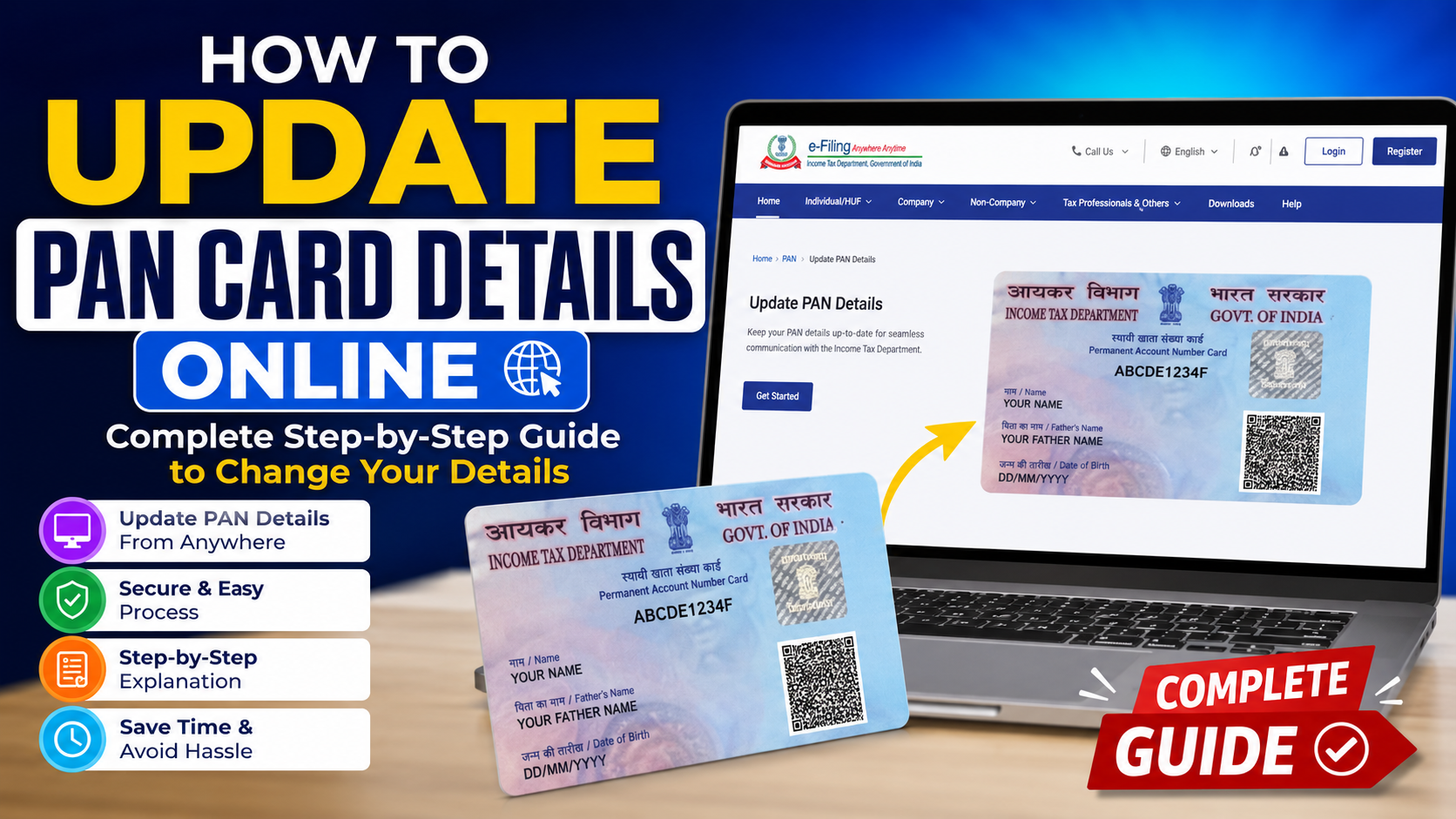
PAN Card is one of the most important documents for financial and tax purposes in India. The PAN Card Number contains all the details of the PAN Card holder, like name, date of birth, photograph, etc. If there is any error in the details of the PAN card holder or there has been any change, then the PAN card details need to be updated.
In this guide, we will explain how to update PAN card details online, what information you can change, which documents you may need, and what to do after submitting your request.
What PAN Details Can You Update?
You can request a correction or update in several PAN details, depending on your requirement. Common updates include:
- Name or spelling correction
- Date of birth
- Father’s name
- Address
- Mobile number
- Email ID
- Photograph
- Signature
- Other incorrect personal details
For major changes such as name or date of birth, supporting documents may be required. The PAN number itself normally remains the same when you submit a correction request.
How to Update PAN Card Details Online
There are two main ways to request PAN corrections online: through Protean eGov or UTIITSL. The exact options available to you can depend on the type of update you want to make.
Step 1: Visit the Official PAN Service Website
Start by visiting the official PAN service provider website. Avoid using unknown third-party websites that promise to update your PAN for an additional fee.
On the PAN service page, look for the option related to Change/Correction in PAN Data.
The official PAN system provides a specific application for people who already have a PAN but need to correct or update their details.
Step 2: Select the PAN Correction Option
Choose the option for Changes or Correction in PAN Data. You will then need to select your applicant category, such as Individual, Company, HUF, or another applicable category.
Enter your existing PAN number and other required information carefully.
Step 3: Enter Your Correct Details
Now fill in the application form with your current and correct information. If you want to change a particular detail, select the appropriate correction option provided in the form. For example, if your name is incorrect, select the option for name correction.
Make sure your details match your supporting documents. Even a small spelling difference can sometimes create problems during verification.
Step 4: Upload or Submit Supporting Documents
Depending on the correction, you may need to provide documents supporting the requested change.
- Proof of identity
- Proof of address
- Proof of date of birth
- Existing PAN card or PAN proof
- Document supporting the requested correction
For example, if you are correcting your date of birth, you may need a valid document showing your correct date of birth. Protean’s current guidance also lists identity, address, date of birth, and supporting documents among the documents that may be required.
Step 5: Complete Verification
After entering your information, check the complete application before submitting it. Depending on the method selected, verification may be completed using Aadhaar-based e-KYC, e-Sign, or another available method.
If you are using the Aadhaar-based facility, the mobile number linked with Aadhaar may be used for OTP verification. The Income Tax Department says that Aadhaar e-KYC can be used to update details such as name, date of birth, mobile number, email ID, address, and photograph in eligible cases.
Step 6: Pay the Applicable Fee
Some PAN correction requests may have a processing fee. The amount can vary depending on the application method and whether you want a physical PAN card or only an electronic PAN.
For example, Protean currently lists different charges depending on the mode of application and delivery option. Always check the amount shown on the official portal before making payment.
Step 7: Submit the Application
After payment and verification, submit your PAN correction request. If the application is being processed through a mode that requires physical documents, follow the instructions shown on the acknowledgement page. Some applications may require documents to be sent to the PAN service provider.
Keep your acknowledgement number safe. It can be useful when checking the status of your application.
How to Check PAN Correction Status
After submitting your application, you can track its status online using the acknowledgement or application details provided during submission.
Once the correction is processed, your updated PAN information should be reflected in the relevant records. You can then obtain the updated PAN card or e-PAN according to the option you selected.
Important Things to Remember
- Enter your name and date of birth exactly as they appear on your supporting documents.
- Check your mobile number and email ID carefully.
- Upload clear and readable documents.
- Do not submit multiple correction applications unnecessarily.
- Keep your acknowledgement number and payment receipt.
- Use only official PAN service websites.
- Do not apply for a new PAN just because your existing PAN has incorrect details. A correction request is normally used for updating an already allotted PAN.
Can PAN Details Be Updated Using Aadhaar?
Yes, eligible users can use the Aadhaar-based online facility for certain PAN updates. The Income Tax Department provides an Update PAN Details option under its Instant e-PAN service.
After entering your Aadhaar number and completing OTP verification, eligible details can be selected for updating as per Aadhaar e-KYC. However, this facility does not replace the full PAN correction process for every type of change.
Final Words
Updating incorrect PAN details is important because your PAN is used for many financial and tax-related activities. If your name, date of birth, address, or other information is incorrect, you should request a correction rather than applying for another PAN.
Most importantly, check every detail before submitting the application. A few extra minutes spent checking your information can help you avoid unnecessary delays or another correction request.


