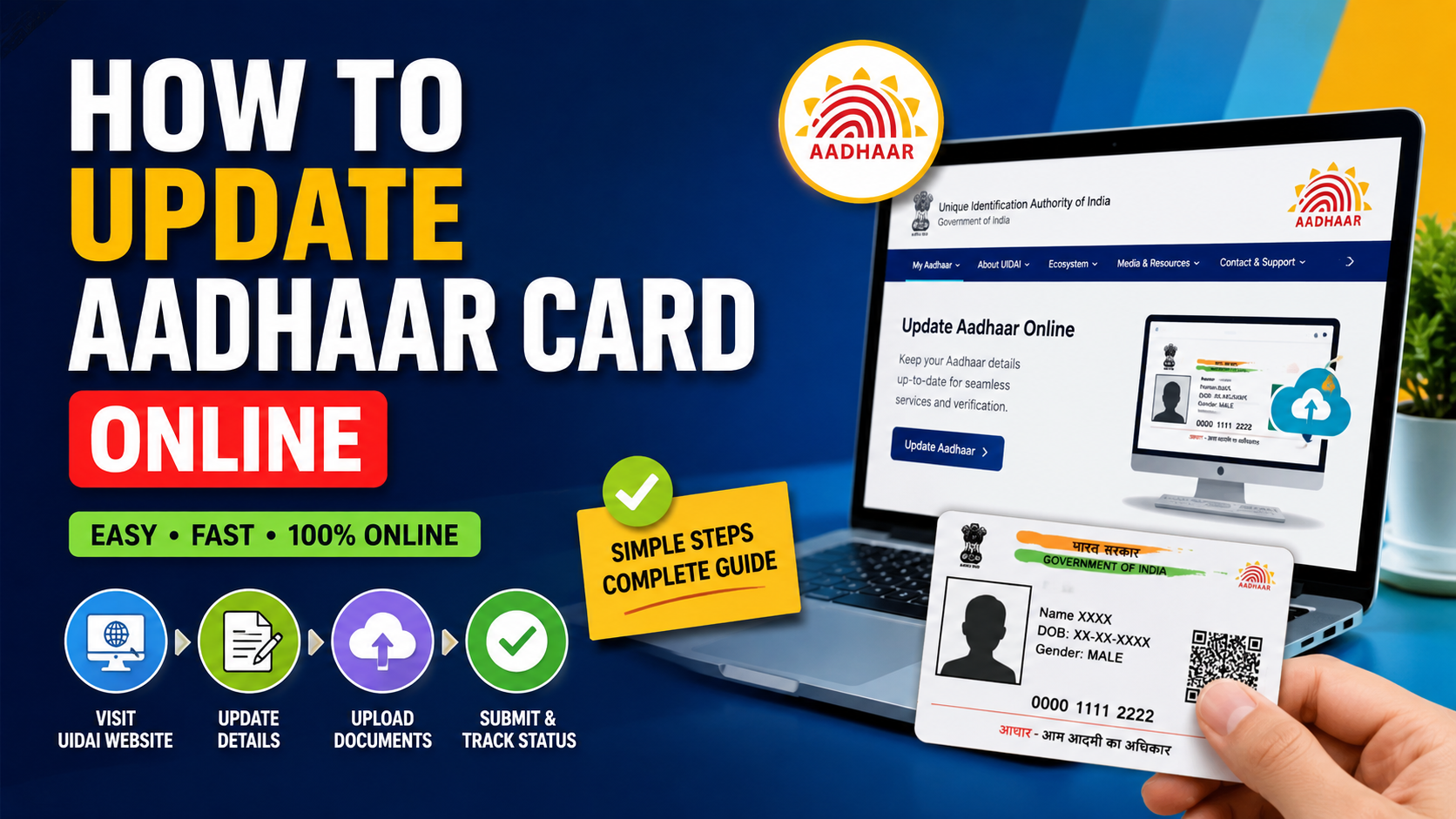
Aadhaar is an important identity document in India, widely used for KYC verification, banking, financial services, insurance, loans, and government benefits. Keeping your Aadhaar details accurate and updated can help avoid verification issues.
If you have moved to a new address or need to update your documents, you can use the official myAadhaar portal for eligible online Aadhaar services. The process is simple and can help with KYC verification, identity verification, banking services, and financial services when your Aadhaar details are required.
What Details Can You Update in Aadhaar?
- Address: Eligible address updates can be submitted online through myAadhaar.
- Name: Certain corrections may require a visit to an Aadhaar Centre.
- Date of Birth: Usually requires an Aadhaar Center visit.
- Gender: May require an Aadhaar Centre visit.
- Mobile Number: Requires an Aadhaar Centre visit.
- Photo & Biometrics: Must be updated at an Aadhaar Centre.
- Documents: Eligible proof of identity and proof of address documents can be submitted through available online facilities.
How to Update Aadhaar Address Online
Step 1: Visit the Official myAadhaar Portal
First, visit the official UIDAI myAadhaar website. Avoid unofficial websites or agents that claim to provide faster Aadhaar correction services.
Log in using your Aadhaar number and the OTP sent to your registered mobile number. Make sure your mobile number is available because OTP authentication may be required for online services.
Step 2: Select Address Update
After logging in, select Update Aadhaar Address and enter your new details carefully. Make sure they match your address proof to avoid issues with KYC verification, banking services, financial services, or identity verification.
Step 3: Review Your Address
Review your Aadhaar address carefully in English and the selected regional language. Ensure there are no errors or missing details to avoid problems with KYC verification, banking services, and identity verification.
Step 4: Upload a Valid Address Proof
Upload a valid Proof of Address (POA) accepted by UIDAI, such as an eligible passport, voter ID, government, bank, or utility document. Check the latest UIDAI list to avoid issues with KYC verification, banking, and financial services.
- Valid and acceptable under UIDAI rules
- Clear and readable
- Complete
- In the Aadhaar holder’s name where required
- Consistent with the address entered in the request
If the uploaded document is blurry or the address does not match, the request may be rejected.
Step 5: Pay the Applicable Fee
Pay the applicable Aadhaar update fee, if required, through the official UIDAI portal. Always verify the current fee before payment and avoid unofficial agents to protect your financial and KYC information.
Step 6: Submit the Request
After reviewing all your Aadhaar details and uploaded documents, submit the update request through the official portal. Once submitted, you will receive a Service Request Number (SRN). Keep it safe, as you can use it to track your Aadhaar update status and for future KYC or identity verification if required.
What If Your Aadhaar Update Request Is Rejected?
If your Aadhaar update request is rejected, check the reason carefully before submitting another request.
Common reasons include:
- Invalid supporting document
- Unacceptable proof of address
- The document does not belong to the Aadhaar holder
- Address does not match the submitted document
- Blurry or incomplete document
- Incorrect information
- Missing required details
This is especially important when Aadhaar is being used for bank KYC, financial account verification, insurance verification, or government service authentication.
Can You Update Name, DOB, or Mobile Number Online?
Many users assume that every Aadhaar correction can be completed online, but that is not the case.
The myAadhaar portal does not provide every type of Aadhaar update online. For changes involving your mobile number, photograph, fingerprints, iris, and certain demographic details, you may need to visit an Aadhaar Enrollment/Update Centre.
Why Should You Keep Aadhaar Details Updated?
Keeping your Aadhaar details accurate can help avoid unnecessary issues when your identity or address needs to be verified.
Aadhaar may be used for eligible services related to:
- Bank account KYC
- Financial services
- Insurance services
- Government benefits
- Government schemes
- Mobile connections
- Identity verification
- Address verification
- Other eligible online services
However, individual banks, insurers, financial institutions, and government departments may have additional KYC or documentation requirements.
Frequently Asked Questions
1. Can I update my Aadhaar address online?
Yes. Eligible address updates can be submitted online through the official myAadhaar portal with the required authentication and supporting documents.
2. Can I update my Aadhaar mobile number online?
No. A mobile number update generally requires a visit to an Aadhaar Enrollment/Update Centre.
3. What documents are required for an Aadhaar address update?
You need an eligible Proof of Address (POA) document accepted by UIDAI. Check the latest official document list before applying.
4. How can I check my Aadhaar update status?
You can track your request through the official myAadhaar portal using your Service Request Number or relevant reference details.
5. Can I update my Aadhaar photo online?
No. A photo update requires a visit to an Aadhaar Enrollment/Update Centre.
Want to change your Aadhaar details online? Check our simple step-by-step guide to understand the complete update process.
View Aadhaar Update Guide →Final Tips
Always use the official UIDAI myAadhaar portal for Aadhaar-related services. Never share your Aadhaar OTP or login information with another person.
Before submitting an update request, carefully check every detail and make sure your supporting document is valid and clearly readable.
Official Portal: UIDAI myAadhaar