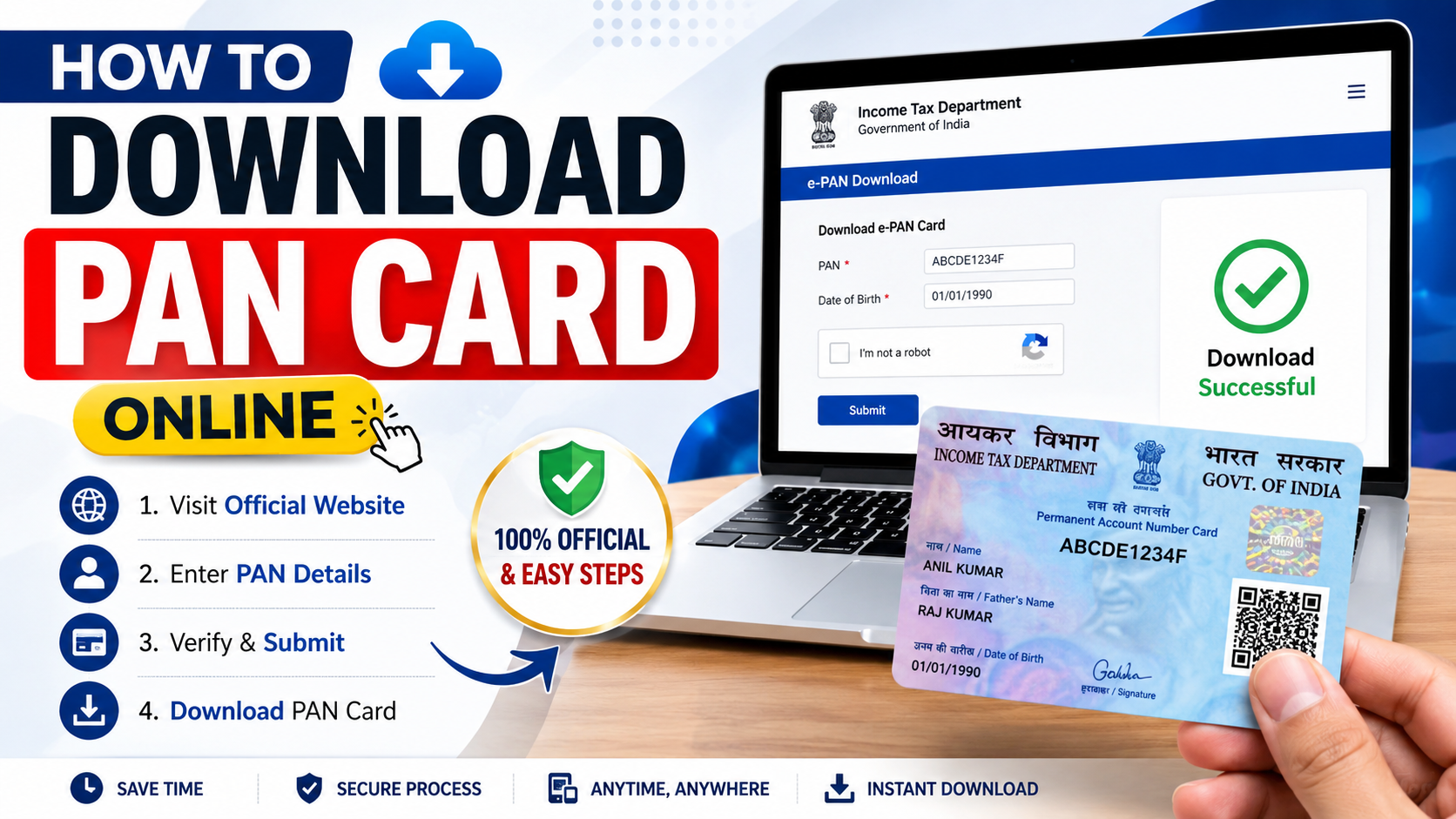
A Permanent Account Number (PAN) card is one of the most important financial documents in India. It is required for various activities such as filing income tax returns, opening certain bank accounts, making high-value financial transactions, and completing KYC verification.
If you have lost your physical PAN card or simply need a digital copy, you can download PAN card online without waiting for a new physical card. The digital version is commonly known as an e-PAN card, and it can be saved as a PDF on your phone or computer.
What Is an e-PAN Card?
An e-PAN is a digitally signed PAN document issued electronically. It contains important PAN details and can be useful when you need to provide a digital copy for KYC verification, income tax services, banking services, or other financial requirements. The e-PAN PDF can generally be downloaded and stored securely on your device for future use.
What You Need Before Downloading Your PAN Card
Before starting the PAN card download online process, keep the following information available:
- Your PAN number
- Aadhaar number, where applicable
- Date of birth
- Registered mobile number or email ID
- Access to your email or mobile for OTP verification
How to Download PAN Card Online
Step 1: Visit the Official PAN Service Portal
Start by visiting the official PAN service provider or the Income Tax Department’s official e-filing services. Avoid random websites that claim to provide a free PAN card download because they may collect unnecessary personal information.
Always check that you are using an official and secure website before entering your PAN or Aadhaar details.
Step 2: Find the e-PAN Download Option
Look for an option related to e-PAN download, PAN reprint, or retrieving your PAN details. Different PAN service providers may have slightly different menus, so follow the instructions displayed on the official portal.
Step 3: Enter Your PAN Details
Enter the required information, such as your PAN number and other identification details. Make sure that the information you enter matches your PAN records.
Incorrect details may prevent you from completing the verification process.
Step 4: Complete OTP Verification
Depending on the service, an OTP may be sent to your registered mobile number or email address.
Enter the OTP carefully and complete the verification process. Never share your OTP with another person claiming to help you with your PAN card online request.
Step 5: Download Your e-PAN PDF
After successful verification, you may receive an option to download your e-PAN card PDF.
Click the download option and save the file securely on your phone, laptop, or cloud storage. It is also a good idea to keep a backup copy in case you need your PAN for future banking, tax filing, investment, or KYC purposes.
Can You Download an e-PAN for Free?
The availability of free e-PAN services depends on the specific service and your eligibility. Some official facilities may provide e-PAN without a fee, while other requests, such as certain reprint or service requests, may involve applicable charges.
Always check the amount shown on the official portal before making a payment. Do not pay an unofficial website simply because it promises an instant PAN card download.
What If You Have Lost Your Physical PAN Card?
You do not necessarily need to apply for a completely new PAN just because your physical card is lost. If your PAN already exists, you can look for an official PAN reprint or e-PAN download facility.
Remember that an individual should not hold multiple PAN numbers. If you already have a PAN, use the existing PAN details when requesting a replacement or digital copy.
Final Words
Downloading your PAN card online can save time when you urgently need a digital copy for income tax filing, bank account KYC, financial transactions, investments, or other official purposes. The safest approach is to use official PAN and government portals and carefully follow the verification instructions.
Before submitting your personal information, always verify the website address and avoid sharing sensitive details or OTPs with third parties. Once downloaded, keep your e-PAN card PDF stored securely so it is easily available whenever you need it.👉 Update PAN Cards Details.