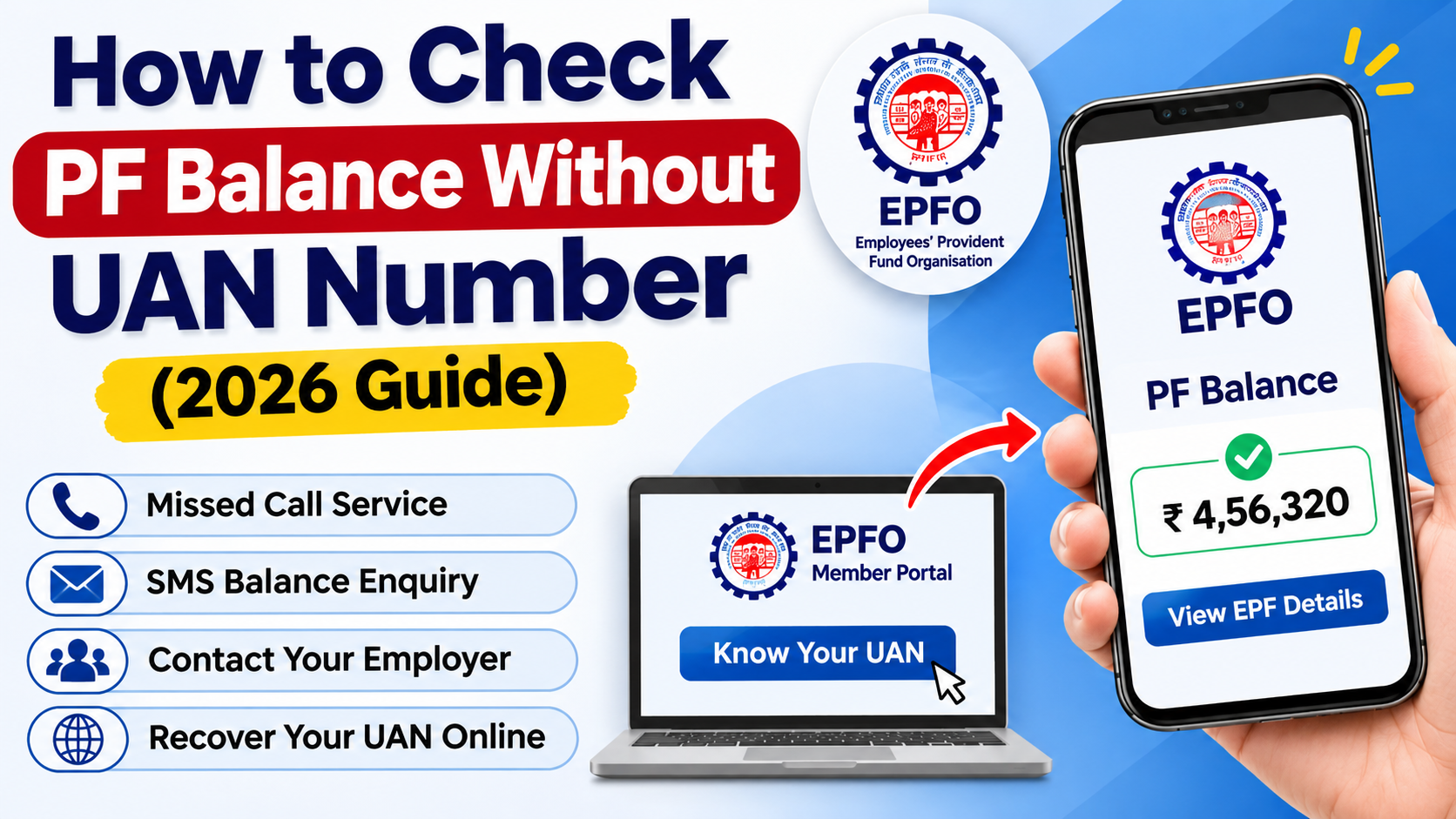
Have you forgotten your UAN number and want to check your Provident Fund (PF) balance? Don’t worry. There are several ways to recover your UAN and access your Employee Provident Fund (EPF) details without remembering it.
Many employees face this problem after changing jobs or losing their old salary documents. Fortunately, EPFO provides different services that can help you retrieve your account information and check your PF contributions.
In this guide, we will explain how to find your forgotten UAN, check PF balance, and access your EPF account in 2026.
Can You Check PF Balance Without a UAN Number?
Yes, you can access certain PF account details without remembering your UAN. However, most online EPFO services require an activated UAN.
You can first recover your UAN through the EPFO portal or contact your employer to identify your PF account.
Once you retrieve your UAN, you can check your EPF balance using SMS, missed call, or the EPFO Passbook Portal.
Method 1: Find Your UAN Through the EPFO Website
If you have forgotten your Universal Account Number, you can retrieve it through the official EPFO website.
Follow these steps:
- Visit the EPFO Member Portal.
- Select the Know Your UAN option.
- Enter the required personal details.
- Complete mobile number verification.
- Follow the instructions displayed on the screen.
After successful verification, you can retrieve your UAN.
Official Website: https://unifiedportal-mem.epfindia.gov.in/memberinterface/
Method 2: Check PF Details Using Your Salary Slip
Your monthly salary slip can help you find your PF account information.
Most employers mention the PF Member ID, employee contribution, and employer contribution in salary statements.
You can use these details to contact your company’s HR department and request assistance in recovering your UAN.
You may also find your PF Member ID in your appointment letter or previous PF statements.
Method 3: Contact Your Employer
If you cannot recover your UAN online, contact your company’s HR or payroll department.
Your employer can help you find your UAN and provide information about your latest PF contributions.
Share your employee ID and previous employment details so they can identify your EPF account.
This is a useful option for employees who have changed jobs or lost access to their registered mobile number.
Method 4: Check PF Balance Through Missed Call
After recovering and activating your UAN, you can use the EPFO missed call service to check your PF balance.
Follow these steps:
- Use your registered mobile number.
- Dial 9966044425.
- Give a missed call.
- Wait for an SMS containing your available PF account details.
Your mobile number must be linked with your activated UAN, and the required KYC details must be seeded in your EPF account.
Method 5: Check EPF Balance Through SMS
EPFO also provides an SMS facility for PF balance enquiry.
To use this service, send the following message from your registered mobile number:
SMS Format: EPFOHO UAN
Send To: 7738299899
You can also request information in Hindi by sending:
EPFOHO UAN HIN
After successful processing, you will receive available PF contribution and balance details through SMS.
Method 6: Use the UMANG App
The UMANG App provides access to various EPFO services.
After recovering your UAN, follow these steps:
- Open the UMANG App.
- Search for EPFO services.
- Select the relevant employee service.
- Complete the required verification.
- Access your available PF account information.
You can also use supported Aadhaar Face Authentication services for UAN-related processes.
Official Website: https://web.umang.gov.in/
What Details Are Required to Recover Your UAN?
You may need some of the following information:
- Aadhaar Card
- PAN Card
- Registered Mobile Number
- PF Member ID
- Employee ID
- Previous Salary Slip
- Employment Details
The exact requirements depend on the verification process.
Why Is Your PF Balance Not Showing?
Sometimes employees cannot access their PF balance even after recovering their UAN.
Common reasons include:
- Your UAN is not activated.
- Your mobile number is not registered.
- Your employer has not updated the latest PF contribution.
- Your KYC details are incorrect.
- EPFO services are temporarily unavailable.
If the issue continues, contact your employer or EPFO helpdesk at 14470.
Frequently Asked Questions
Can I check PF balance without a UAN number?
You can recover your UAN through the EPFO portal or employer assistance. Standard online balance enquiry services generally require an activated UAN.
What is the EPFO missed call number?
The official EPFO missed call number is 9966044425. Call from your registered mobile number.
Can I find my UAN using Aadhaar?
Yes, you can use the Know Your UAN facility and complete the required verification through the EPFO Member Portal.
Can I check PF balance using my mobile number?
Yes, after activating your UAN and linking your mobile number, you can use EPFO SMS and missed call services.
Can I check PF balance using PAN only?
No, PAN alone cannot directly display your PF balance. However, it may help with UAN recovery and identity verification.
Final Words
Forgetting your UAN does not mean you have lost access to your PF savings. You can retrieve your Universal Account Number through the EPFO portal or contact your employer for assistance.
After recovering your UAN, you can easily check your EPF balance, employer contributions, and PF account details through official EPFO services. Always use government-authorised platforms to keep your PF information secure.