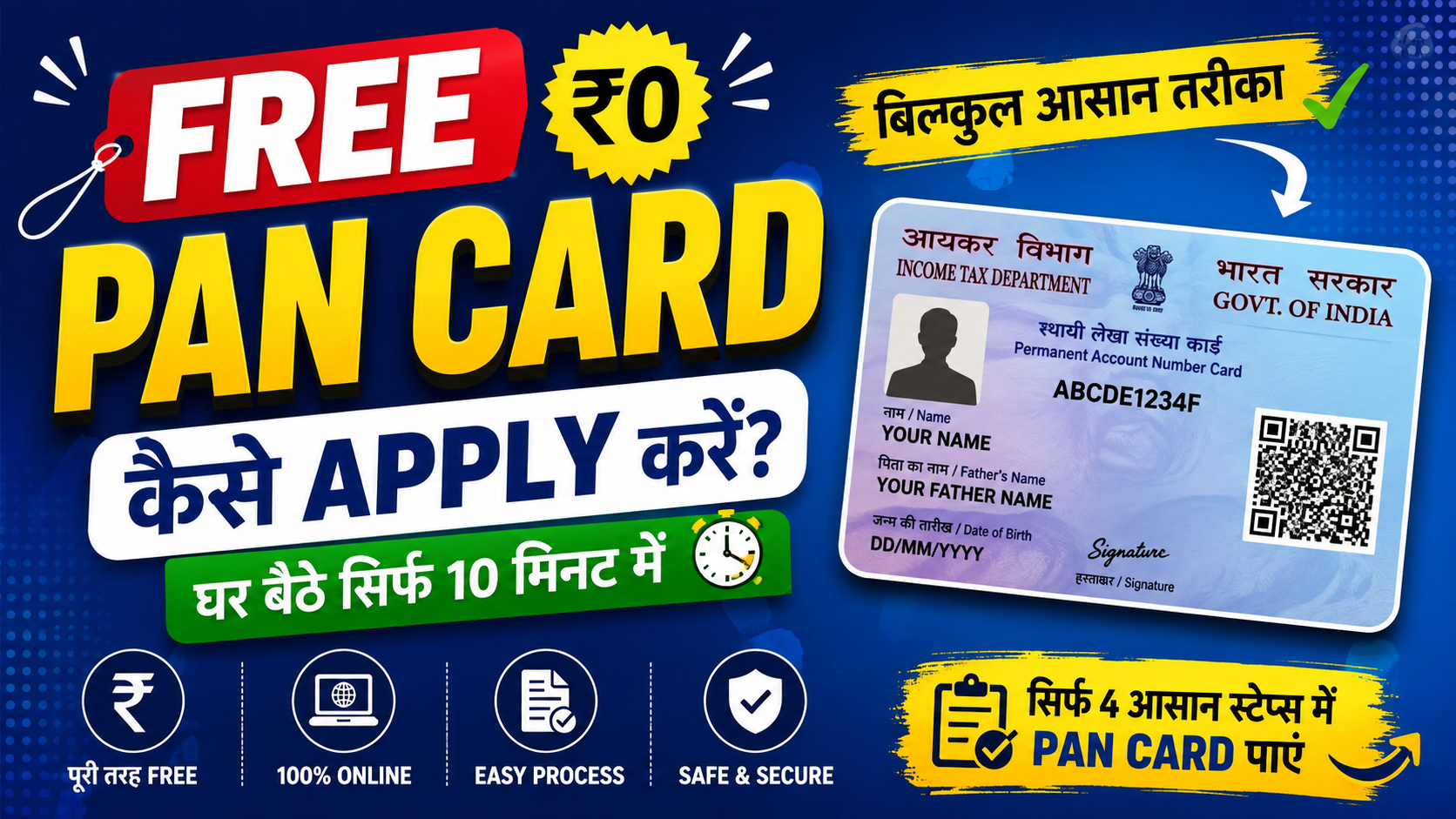
A Permanent Account Number, commonly known as PAN, is a unique 10-digit alphanumeric identification number issued by the Income Tax Department of India. It is an important document for several financial and tax-related activities, such as filing Income Tax Returns (ITR), opening bank accounts, investing in mutual funds, applying for loans, purchasing property, and completing KYC verification.
If you do not have a PAN yet, you can apply for it online using an official government-authorized PAN service. In many cases, there is no need to visit a physical office because the complete application process can be completed online.
The online process generally involves entering your personal information, providing the required documents, completing identity verification, and paying the applicable fee. Eligible applicants can also use the Instant e-PAN facility offered through the Income Tax Department.
Who Is Eligible to Apply for PAN?
A PAN can be requested by different types of applicants, including:
- Indian citizens who do not have a PAN.
- Individuals applying for their first PAN.
- Minors, through their parent or legal guardian.
- NRIs and eligible foreign citizens, according to applicable regulations.
- Companies, firms, trusts, and other eligible organizations.
Important: If a PAN has already been allotted to you, you should not apply for another PAN number.
Documents You May Need
Before starting the application, make sure you have the necessary information and documents available. Depending on your category and application method, you may need:
- Aadhaar Card
- Identity proof
- Address proof
- Date of birth proof
- Recent photograph, where applicable
- Working mobile number
- Active email address
The documents accepted can differ depending on the applicant and the type of PAN application being submitted.
Steps to Apply for a PAN Card Online
1. Open an Authorized PAN Application Website
Start by visiting the official PAN application service provided by the Income Tax Department or an authorized PAN service provider.
Avoid using unknown websites or third-party pages that claim to issue PAN cards.
2. Select the New PAN Option
Look for the option related to new PAN application. Select the appropriate application type according to your category.
3. Enter Your Personal Information
Fill out the application form with accurate information. You may be asked to provide details such as:
- Applicant’s full name
- Date of birth
- Father’s name
- Aadhaar details, where applicable
- Mobile number
- Email ID
- Residential address
Check the information carefully before proceeding. Your details should match the documents being submitted for verification.
4. Provide the Required Documents
Depending on the application process, you may need to upload or submit documents supporting your identity, address, and date of birth.
Make sure the uploaded copies are clear and readable. Incorrect or unclear documents can cause delays in processing.
5. Complete Identity Verification
The verification method depends on the PAN application route you choose. Available methods may include:
- Aadhaar OTP verification
- e-KYC
- e-Sign
- Digital Signature, where applicable
Follow the instructions displayed on the official portal to complete the verification successfully.
6. Make the Required Payment
After entering the required details, pay the applicable PAN application charges through the payment methods available on the portal.
Eligible individuals using the Instant e-PAN facility can receive an electronic PAN without paying an application fee. However, a physical PAN card request may involve the prescribed charges.
7. Submit the Form
Before submitting the application, review your personal details and uploaded information once again.
After successful submission, you will normally receive an acknowledgment number or reference number. Keep this number safe because it can be useful when checking the progress of your application.
How to Get Your e-PAN Online
Once your PAN application has been successfully processed and the PAN has been allotted, eligible applicants can obtain their electronic PAN.
The general process involves:
- Opening the official e-PAN download facility.
- Providing the requested PAN or acknowledgment information.
- Completing the required OTP or verification process.
- Downloading the e-PAN PDF.
An officially issued, digitally signed e-PAN is accepted for most purposes where PAN details are required.
How to Check PAN Application Status
You do not always need to contact an office to find out what is happening with your PAN application. The application can generally be tracked online.
Depending on the service used, you may need your:
- Acknowledgment number
- PAN number, once allotted
The tracking page may show different stages, such as:
- Application received
- Application under processing
- PAN allotted
- e-PAN generated or available
- Physical PAN card dispatched
The exact status messages can vary depending on the application method and service provider.
Why Is a PAN Card Important?
PAN is widely used for financial identification in India. It may be required when carrying out activities such as:
- Filing income tax returns
- Opening certain bank accounts
- Applying for financial services and loans
- Investing in shares and mutual funds
- Buying or selling property
- Completing KYC procedures
- Receiving certain types of financial payments
Because PAN is linked to a person’s financial and tax records, it is important to provide correct information when applying for one.
Frequently Asked Questions
Can I get a PAN card without visiting an office?
Yes. Many applicants can complete the PAN application process online through an official government-authorized service.
Is an e-PAN as valid as a physical PAN card?
Yes. An officially issued and digitally signed e-PAN is generally valid for PAN-related tax and financial requirements. A physical card is mainly a printed version of the PAN details.
How quickly can I receive my PAN?
The processing time depends on the application method, verification, and whether you request an electronic or physical PAN. Eligible applicants using Instant e-PAN may receive it considerably faster, while physical PAN delivery can take several working days.
Final Words
Getting a PAN card online has made the process much easier for applicants across India. You can complete most of the required steps from home by using an authorized online service, entering your information correctly, and completing the required verification.
Before submitting the application, double-check your details and documents to avoid unnecessary delays. Once the PAN is allotted, you can use it for important tax, banking, investment, KYC, and other financial activities.