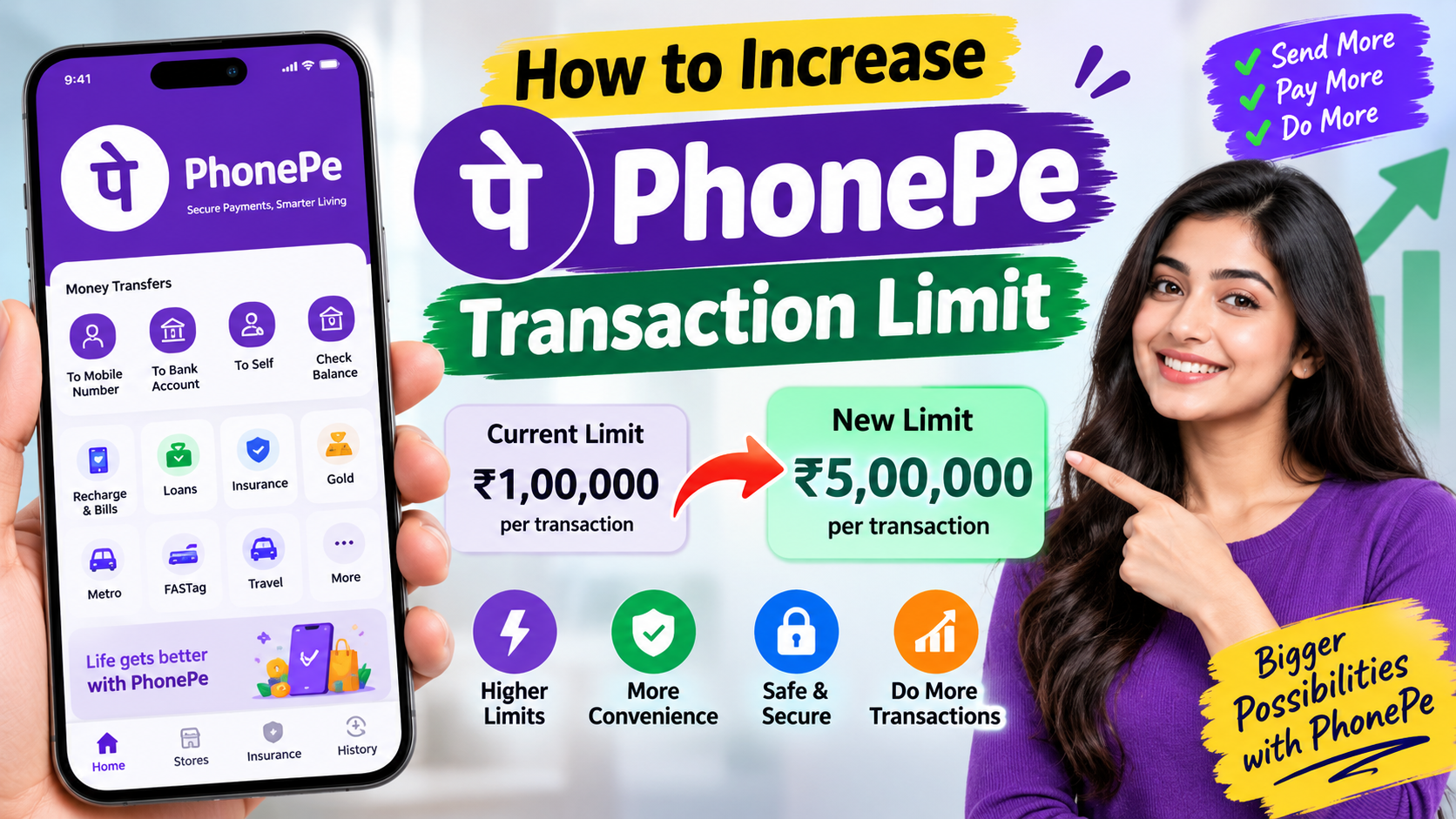
Have you ever tried to send money through PhonePe and suddenly received a message saying that your transaction limit has been reached? It can be frustrating, especially when you need to make an important payment.
If you are searching for how to increase the PhonePe transaction limit, the good news is that there are a few things you can check. However, there is one important point to understand first: your PhonePe transaction limit is not always controlled by PhonePe alone. Your bank, UPI limits, transaction type, and security rules can also affect the amount you can send.
What Is the PhonePe Transaction Limit?
The PhonePe transaction limit is the maximum amount you can send or pay through UPI within the applicable limit set for your account and transaction. There isn’t one fixed limit that is guaranteed to be the same for every PhonePe user. Your bank may apply its own UPI transaction limits, and certain types of UPI transactions can have different limits.
So, if you are unable to make a large payment, the problem may actually be related to your bank account’s UPI limit rather than the PhonePe app itself.
How to Increase PhonePe Transaction Limit?
If your PhonePe transaction is being declined because of a limit, try the following steps.
1. Check Your Bank’s UPI Transaction Limit
Your bank plays a major role in determining your UPI payment limit.
Open your bank’s mobile banking app or internet banking service and look for options related to UPI, transaction limits, or payment limits. Some banks may allow eligible customers to change certain transaction limits after verification, while other banks may keep specific limits fixed.
If you cannot find the option, contact your bank’s customer support and ask about your current UPI limit.
2. Check If You Have Reached Your Daily Limit
Sometimes, you don’t actually have a low transaction limit—you have simply used your available limit for the day. For example, if you have already made several UPI payments or transferred a significant amount during the day, another payment may be declined.
In this situation, waiting for the applicable limit to reset may solve the problem. Increasing the limit immediately may not be possible.
3. Complete Your KYC and Verification
If your bank account or PhonePe profile has any pending verification, completing it may help resolve certain account restrictions. Make sure your mobile number is correctly linked with your bank account and that your account information is up to date.
Keep in mind that completing KYC does not automatically guarantee a higher PhonePe transaction limit. The final limit can still depend on your bank and applicable UPI rules.
4. Contact Your Bank for a Higher Limit
If you frequently need to make high-value payments, contacting your bank is one of the most useful steps.
- What is my current UPI transaction limit?
- Can my limit be increased?
- Is there a separate daily transaction limit?
- Are there restrictions on the number of UPI transactions?
- Is my account eligible for a higher limit?
The bank can tell you exactly which limit is affecting your transaction and whether an increase is available.
5. Contact PhonePe Support
If your bank says there is no restriction on your account but PhonePe payments are still failing, the issue may require assistance from PhonePe. You can use the Help/Support section inside the PhonePe app to report the problem. Explain the error message you are receiving and provide the requested transaction details.
Avoid using unofficial websites, agents, or people who claim that they can instantly increase your PhonePe limit for a fee.
Why Is My PhonePe Transaction Limit Reached?
- Your daily UPI limit has been reached.
- Your bank has a lower transaction limit.
- You have made too many transactions within the applicable period.
- The particular transaction category has a different limit.
- Your account has a pending verification requirement.
- A temporary security restriction has been applied.
- There may be a technical issue with the bank or UPI service.
Because of this, reinstalling PhonePe or clearing the app’s cache usually will not increase your transaction limit.
Can I Make a Large Payment If the PhonePe Limit Is Reached?
Yes, depending on the purpose and your bank’s available services, you may have other options. For larger transfers, you can check whether your bank supports NEFT, RTGS, or IMPS for the amount you need to send.
Also remember that higher UPI limits announced for certain categories do not necessarily mean that every normal person-to-person UPI payment can use the same limit.
Final Thoughts
If you want to increase your PhonePe transaction limit, don’t assume that PhonePe itself is always responsible for the restriction. In many cases, the limit is determined or restricted by your bank. Start by checking your UPI transaction limit, confirm whether you have already reached your daily limit, and contact your bank if you regularly need to make higher-value payments.
Most importantly, never share your UPI PIN, OTP, CVV, or banking password with anyone claiming they can increase your transaction limit. Download PAN CARD