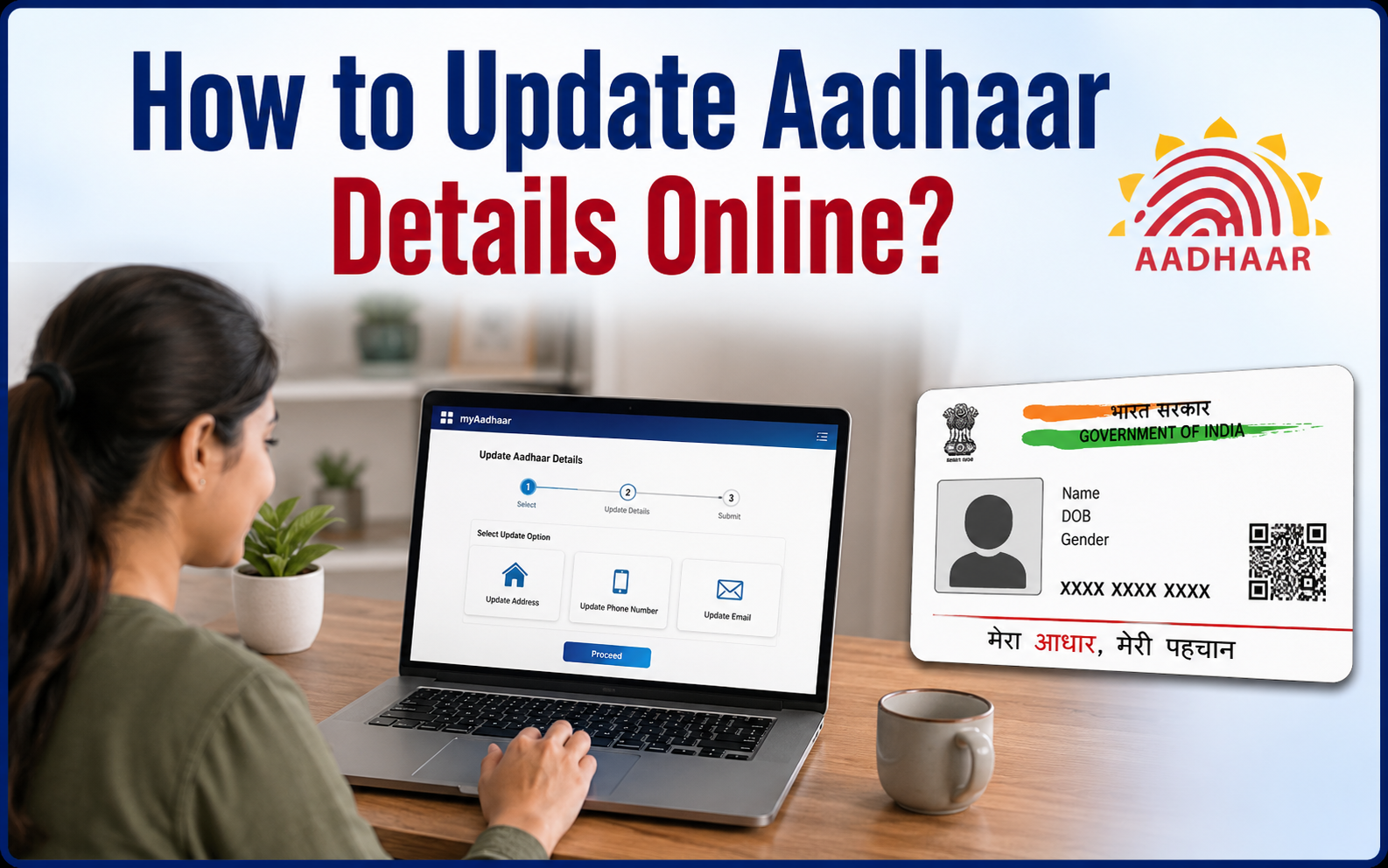
Your Aadhaar card is one of the most important identity documents in India. It is used for banking, government schemes, passport applications, mobile SIM verification, PAN linking, and many other services. Because of this, keeping your Aadhaar details accurate and up to date is essential. If your name, address, date of birth, or other personal information has changed, you can update most details online without visiting an Aadhaar enrollment center.
Why Should You Update Your Aadhaar?
Incorrect information in your Aadhaar can create problems while using government or financial services. Updating your details ensures that all your records remain accurate and helps you avoid verification issues. People commonly update their Aadhaar after moving to a new address, getting married, correcting spelling mistakes, or changing their mobile number through an Aadhaar center.
Steps to Update Aadhaar Details Online
1. Visit the Official UIDAI Website
Start by visiting the official UIDAI website. Make sure you use only the government portal to avoid scams or fake websites. The online Aadhaar update service is secure and designed to protect your personal information.
2. Log In Using Your Aadhaar Number
Enter your 12-digit Aadhaar number and verify your identity using the OTP sent to your registered mobile number. Without access to your registered mobile number, you may need to visit an Aadhaar enrollment center for certain updates.
3. Choose the Information You Want to Update
After logging in, select the detail that needs correction or updating. Depending on UIDAI’s current services, you may be able to update information such as your address or review available update options. Carefully check every detail before proceeding to avoid mistakes.
4. Upload Supporting Documents
Some updates require valid supporting documents for verification. Upload clear and readable scanned copies of the required documents. Blurry or incorrect documents may result in your update request being rejected, so ensure that all information is visible and matches your Aadhaar details.
5. Submit the Request and Track the Status
Once you’ve reviewed everything, submit your request. You will receive an Update Request Number (URN) or acknowledgement that can be used to track the status of your application. After successful verification by UIDAI, your Aadhaar details will be updated, and you can download the latest version of your Aadhaar card online.
How to Check Your Aadhaar Update Status
Once your request is submitted, you can check its progress online using your Update Request Number (URN). Simply visit the UIDAI portal, open the status tracking section, enter your URN, and you’ll be able to see whether your request is under review, approved, or completed.
Documents You May Need
The required documents depend on the type of update. Common documents include:
- Passport
- Voter ID
- Driving License
- PAN Card
- Electricity Bill
- Water Bill
- Bank Passbook
- Passport-size supporting documents accepted by UIDAI
*Always upload clear and valid documents to avoid rejection.
Conclusion
Updating your Aadhaar details online is a simple and convenient process when your registered mobile number is active and the required update is available online. By following the correct steps and submitting valid documents, you can keep your Aadhaar information accurate without unnecessary delays. Since Aadhaar is linked with many essential services across India, maintaining updated details helps ensure smooth verification for banking, government benefits, tax-related services, and other important activities. Always use the official UIDAI portal for any Aadhaar-related updates and keep a copy of your updated Aadhaar for future use. Top 10 Mobile Phones Under ₹20,000 in 2026